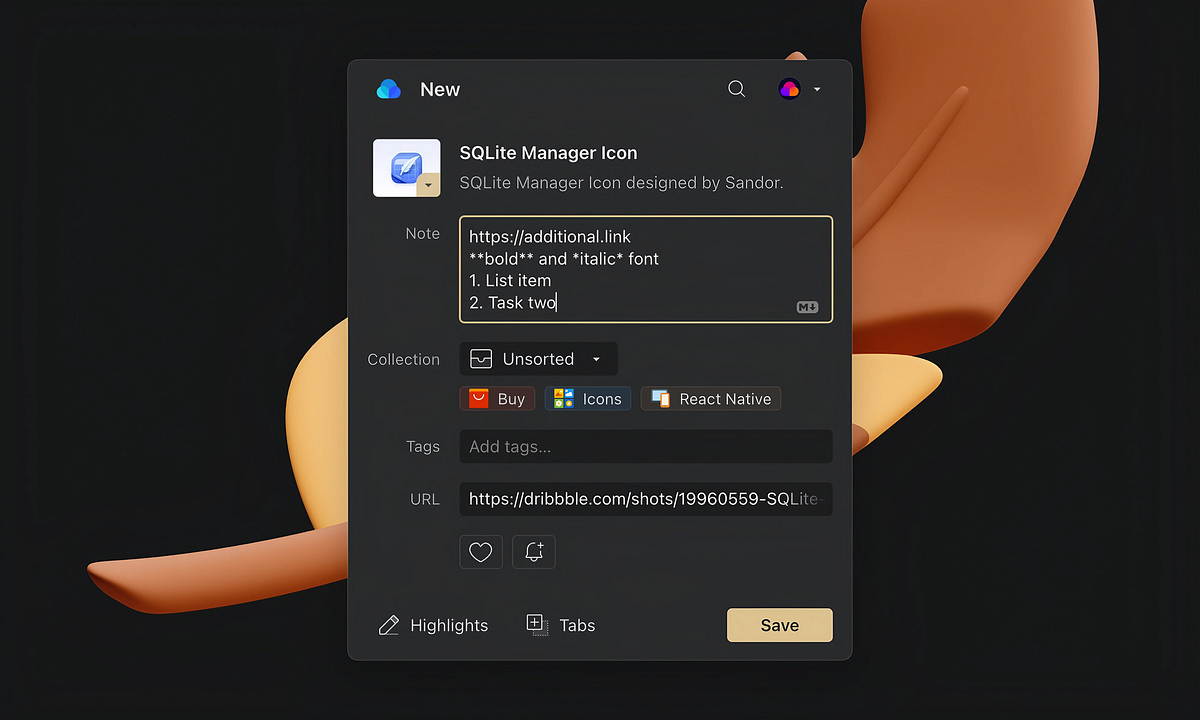
macOS Share Extension
You can now send bookmarks straight into Raindrop.io from almost any app on your Mac — Apple News, Safari, Music, Mail, Notes, and…

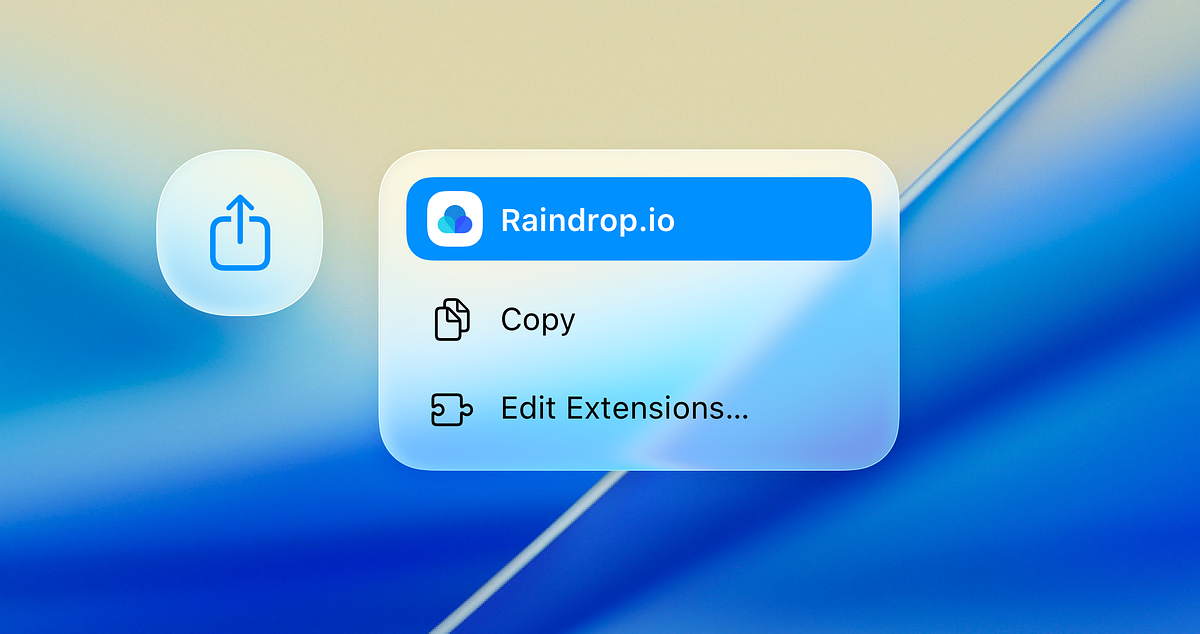
You can now send bookmarks straight into Raindrop.io from almost any app on your Mac — Apple News, Safari, Music, Mail, Notes, and countless third-party apps that use the system Share menu.
The Share extension is included with the Save to Raindrop app on the Mac App Store. That same app also gives you the Safari browser extension, so you get both in one install.
Download here: https://raindrop.io/r/extension/safari
What you can do
- Save links from any macOS app that supports the Share menu
- Choose collection and tags before saving
- Capture context like page title and URL automatically
- Stay in flow without switching apps or copy-pasting links
How to enable the Share extension
- Install Save to Raindrop from the Mac App Store: https://raindrop.io/r/extension/safari
- Open System Settings
- Go to General → Login Items & Extensions
- Scroll to Extensions, select Sharing
- Find Raindrop.io and switch it On
You can also enable Raindrop.io directly from any app’s Share menu by choosing Edit… or Customize.
How to use it
- In any app, click the Share button or choose File → Share.
- Only once: login to your Raindrop account
- Select Raindrop.io.
- Pick a collection and add tags if you like.
- Click Save.
The Share extension at the moment only supports links. If the app you’re sharing from doesn’t provide a link, the extension won’t appear as an option.