PDF Preview and Highlighting
For a long time, one of the most requested features has been full support for PDFs. We’re excited to announce that Raindrop.io now lets you…

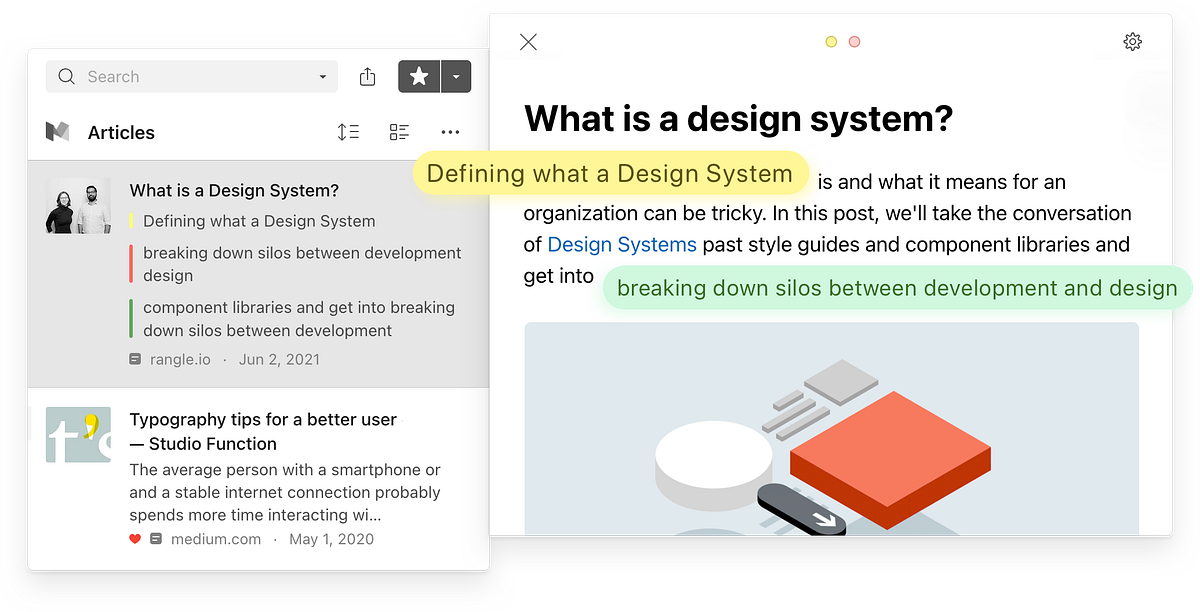
For a long time, one of the most requested features has been full support for PDFs. We’re excited to announce that Raindrop.io now lets you preview and highlight PDF files directly inside the app — on web, desktop, and mobile.
This wasn’t an easy one. Unlike web pages, PDFs bring their own unique headaches. We had to build a custom PDF rendering engine that’s fast enough to open files instantly and smooth enough to compete with native PDF viewers. Why go through all that trouble?
- Browser limitations. The built-in PDF viewers in browsers don’t allow extensions to hook into them. If we wanted proper highlighting, we had no choice but to create our own viewer.
- Server-side rendering. Instead of shipping a giant JavaScript bundle like most services do, our viewer runs almost entirely on the server. This keeps your browser light and responsive while still giving you a top-tier experience.
- Mobile reality. On Android, most devices can’t preview PDFs without third-party apps. We wanted Raindrop to just work, everywhere, without forcing you to install extra tools.
How highlighting works
Highlighting in PDFs is just as simple as highlighting web pages in Raindrop. Select a phrase, pick a color, and optionally add a note. All your highlights stay neatly stored with the document.
There’s one limitation worth knowing: if you open a PDF directly in your browser’s built-in viewer, you won’t be able to highlight it. To highlight, first save the PDF as a bookmark in Raindrop (either with the browser extension or by pasting the URL into the web app). From there, open it and highlight away.
Finding your PDFs
Want to see all your saved PDFs at once?
- On the web app: open the sidebar and click Documents
- On iOS or Android: open the filters section and choose Documents
This update means your PDFs can finally live alongside your articles, notes, and bookmarks — all highlighted, searchable, and ready whenever you need them.