Save All Tabs
Save and organize your tabs in the way that works best for you

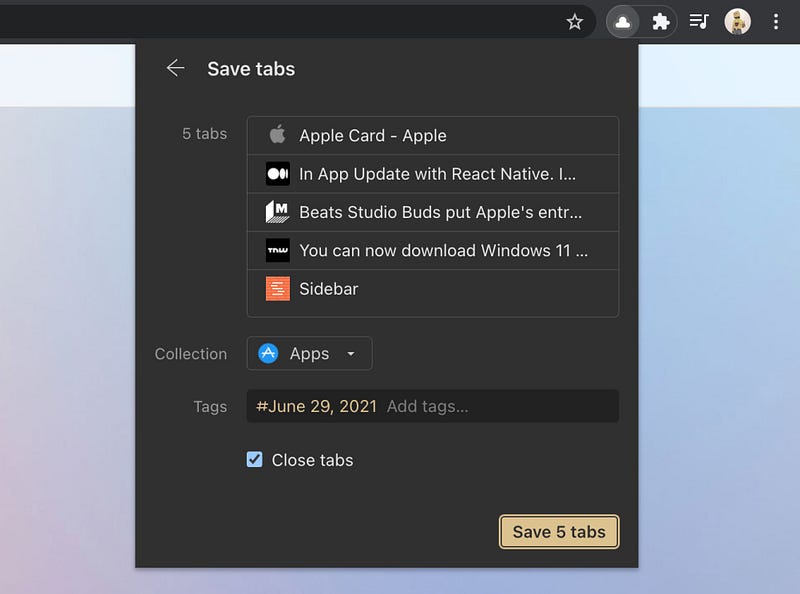
When you have many tabs open, saving them one at a time is a bit tedious isn’t it? We have a solution!
The location of a Save Tabs button depends on extension appearance you selected on first run.
- In case of Clipper just click Tabs… in the bottom left corner of a window.
- Prefer Mini App? Mouse over Save button and select Save Tabs
By default saved tabs will have a tag with a date. That way you can find them easily later. Learn how to open multiple bookmarks at once here.