Search 2.0
Quick. Accurate. Flexible

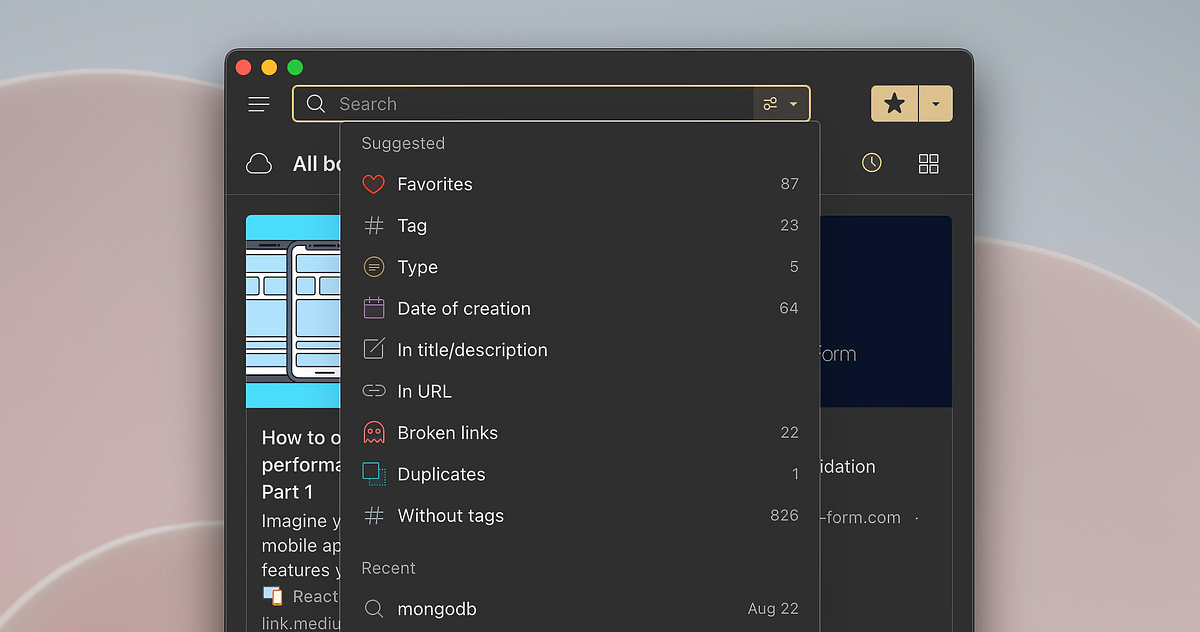
Search is the essential part of any app. It should work fast, be clever and enough flexible to be precise when it needed.
Raindrop.io already have good search engine that work okay for many languages and thanks to full-text search you can look deeper beyond the titles and descriptions.
But there is always the room for improvement. We want our search to be great, not just okay! Learn more about all the new features and enhancements below. Everything available in free plan.
Search by any part of the word
Most of the Raindrop users are technical or creative persons who save tons of specific materials containing technical_terms, BrandNames, authors, etc. Previously is not possible to search by a part of such terms.
For example you have a bookmark with a title upper_left_corner — notice no space between words that’s why previously it perceived as single word by our search engine. Now it’s possible to find such bookmark by just corner word.
Just search as usual, no need to use any special operators to enable it. In the future we also plan to add wildcard search.
Search by date
Find items created before, after or in concrete date. Now you can easily find outdated materials and remove them in one click.
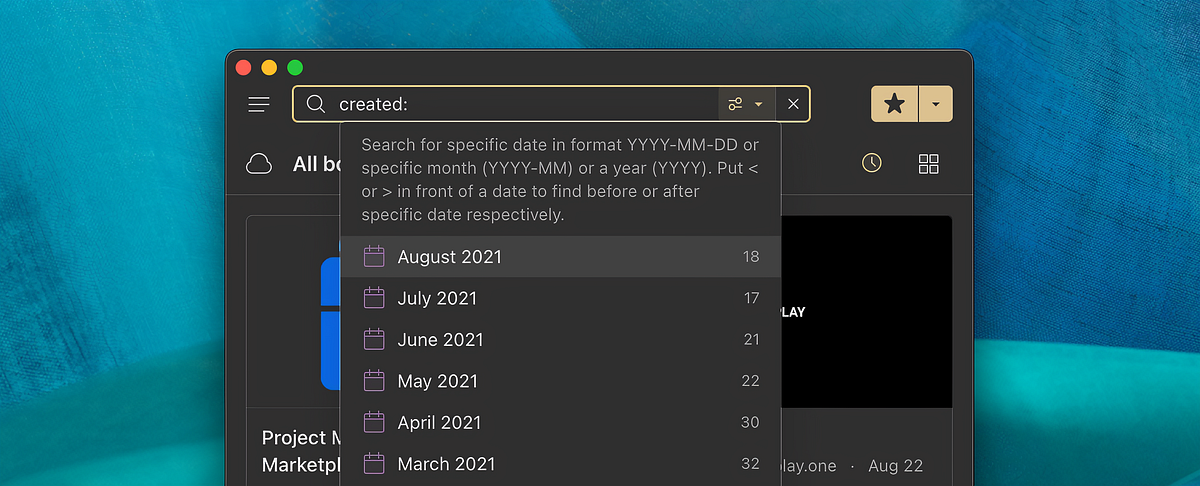
Supported date formats:
- YYYY — specific year, for example created:2021
- YYYY-MM — specific month, for example created:2021–08
- YYYY-MM-DD — concrete date, for example created:2021–08–22
Put < or > in front of a date to find before or after specific date respectively.
For example created:<2015 to find all items created before year 2015.
Advanced search operators
To find precisely you can craft advanced searches using Boolean operators. Below are most exiting one:
⛔ Exclude conditions from your search
Put - (dash) in front of a word, phrase, tag or filter you want to leave out
💨 Match any condition (OR)
Add match:OR operator at the end of the query to find by any specified conditions. For example now you find items that contains any of #tag1 #tag2 #tags
✳️ Search for an exact match
Put a word or phrase inside quotes. For example, “tallest building”
🔗 Option to search only in URL
Find pages with a certain word (or words) in the URL. For this example, any results containing the word apple in the URL will be returned.
Just put link: in front of a word.
🔍 Temporary disable full-text search
Sometime with full-text search you have a lot more search results. Just put info: in front of a word or phrase to temporarily disable full-text search.
Check this article to find all available operators.
Recent searches
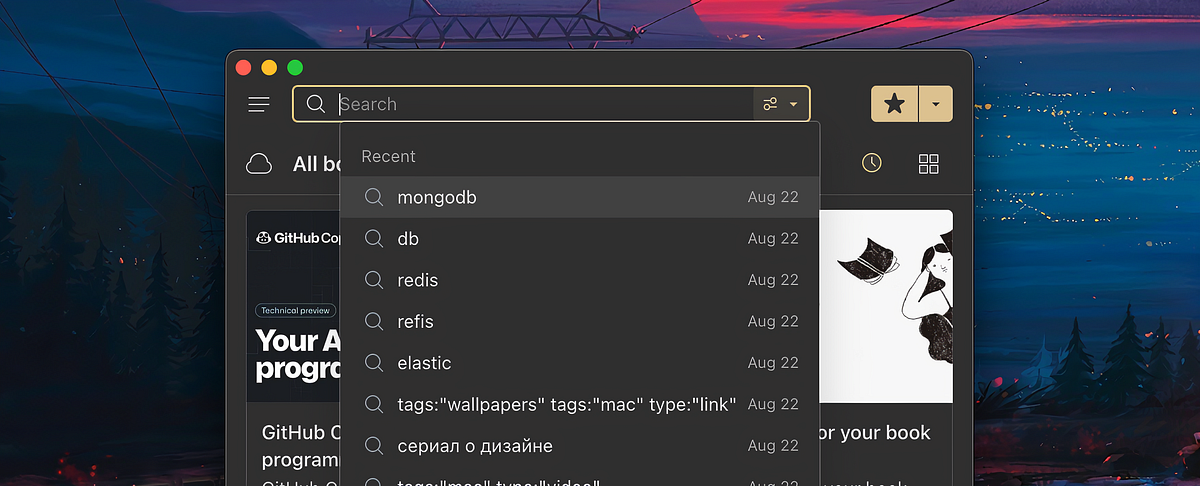
Raindrop will remember your ten most recent searches so you can easily return to the list of results. Plus, these recent searches will sync across your apps so you can continue a search on another device or computer.
5x times faster
Search speed have always been most frustrating part of our search. We worked hard to significantly improve it. I have some ideas to improve it even further in the future.
Conclusion
With new advanced search operators and existing filters you can craft very complex searches, or just type simple queries and get instant results thanks to search-as-you type support.
In the future we plan to add ability to save your searches as smart collections and even share them! Stay tuned.